

ACRP 2026 Mobile App
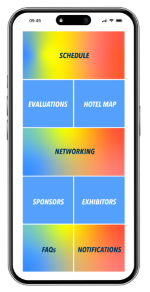
Don’t wait until you arrive in Orlando—start planning your ACRP 2026 experience now! Set up your profile and get a head start on connecting with fellow attendees, exhibitors, and speakers. With you the app, you can:
Create your customized schedule tailored to your interests
Access session handouts (as they become available)
Connect with peers before the conference even begins
Explore the exhibitor list and floor plan
Receive real-time notifications so you don’t miss a thing
Find the ACRP 2026 App
Download the ACRP 2026 mobile app from the Apple Store or Google Play Store—or simply scan the QR codes below. Log in with your ACRP username and password to get started!
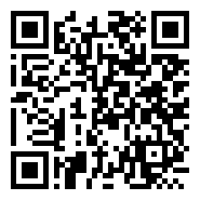
Apple Store
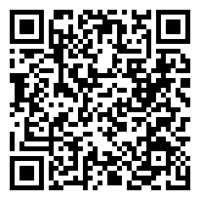
Google Play Store
Complete Session Evaluations in the App
Full-Conference attendees may earn up to 24.0 ACRP Contact Hours through live sessions and on-demand replays. All registrants receive access to session replays aligned with their registration type (Full-Conference, Weekend, or One-Day).
Maximum Contact Hours available onsite in Orlando:
24.0 - Full-Conference Registrants
12.0 - Weekend Registrants
5.0 - 6.0 - One-Day Registrants
To earn Contact Hours, you must attend the live session and complete the evaluation in the ACRP 2026 Mobile App within seven days of the session date. After seven days, you’ll need to rewatch the session replay in ACRP Learning to complete the evaluation.
Need Support? Contact the ACRP Customer Care team, or head to the Registration Desk if you’re onsite.